
Validatar for Databricks
Trusted data for every lakehouse workload.
Validatar tests, monitors, and scores the data in your Databricks lakehouse. Checks run in your own workspace through push-down processing, and only summary results come back, so your data stays governed where it lives.
 Runs inside Databricks
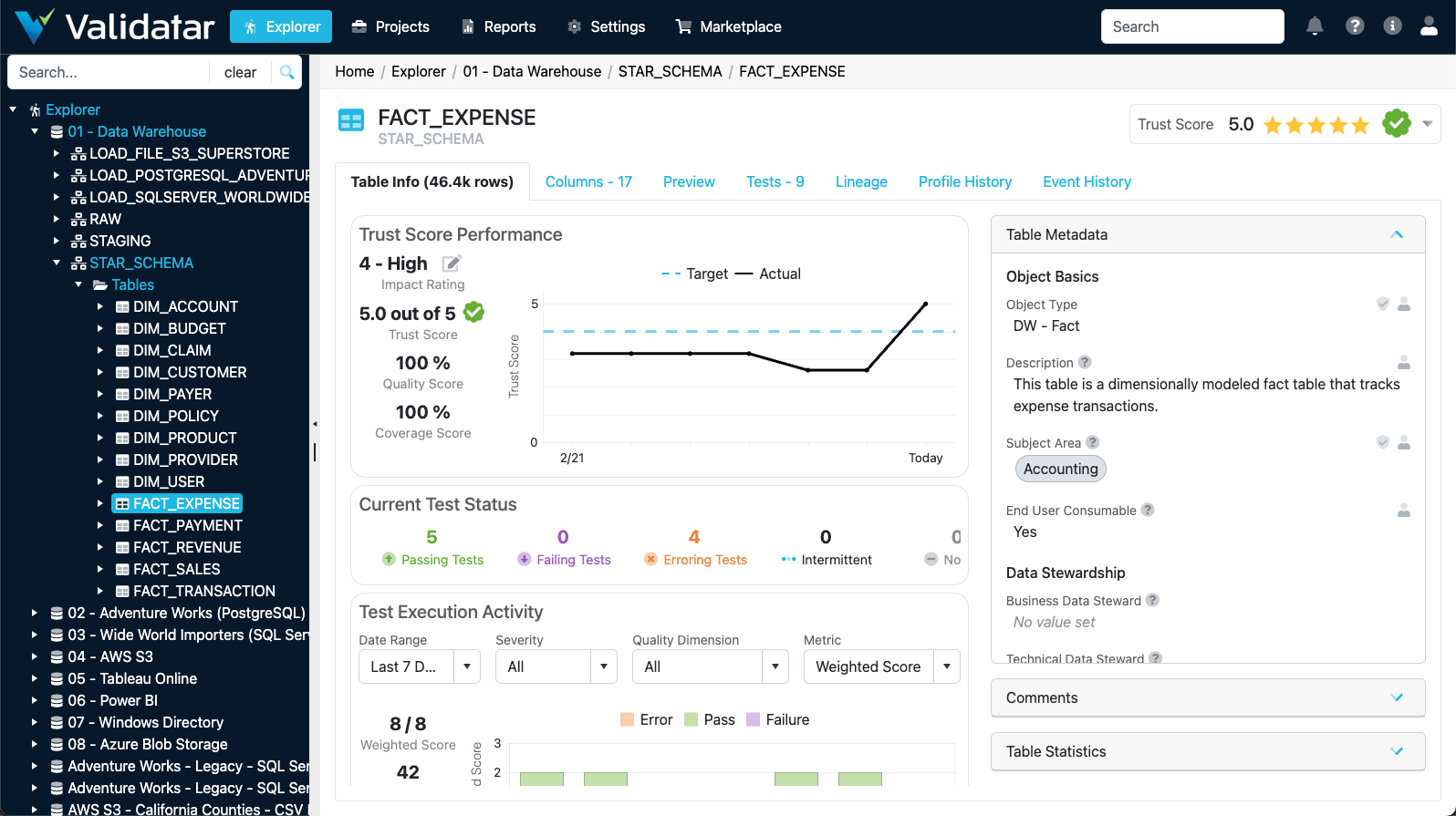
One table's trust, tests, and metadata
What Are Databricks Teams Asking?
Databricks brings data and AI into one platform. Proving the data underneath is right is still on you.
Can our agents trust this data?
Genie and Agent Bricks answer from governed lakehouse data. If a table is wrong, every agent built on it is wrong too.
Trust scores for the tables AI uses →Did the move to the lakehouse land?
Leaving Hadoop or a legacy warehouse means proving every table arrived intact before the old platform is switched off.
Cloud migration validation →Who's checking every pipeline?
More Lakeflow pipelines and more sources mean more places for bad data to reach a dashboard or a model unnoticed.
ETL testing and monitoring →Can testing stay inside Databricks?
Security teams don't want copies of governed data leaving the workspace just to be tested.
How push-down works →How Does Validatar Work Inside Databricks?
Validatar's Databricks processing engine pushes the work to where your data already lives. What is a processing engine?
Connect
Validatar connects to your Databricks workspace with the access you grant.
Connecting DatabricksPush down
Comparisons, profiles, and rule checks run as queries on your Databricks compute, in your workspace.
Setting up the processing engineReport
Only summary results return to Validatar: pass or fail, trust scores, history, and alerts.
Built on Unity Catalog
Validatar reads Unity Catalog metadata, so tests are generated for your tables automatically and stay current as new tables appear.
The result is accurate, consistent data for analytics, machine learning, and the agents built on your lakehouse.
From Unity Catalog to tested tables
Template tests use your catalog's metadata to cover every matching table, including the ones added tomorrow.
Databricks data source template →Validatar for Databricks FAQ
Short answers for Databricks teams.
Does our data leave Databricks?
No. With the Databricks processing engine, checks run inside your Databricks workspace and only summary results return to Validatar.
Does the processing engine cost extra?
No. The Databricks processing engine is included with Validatar. Checks run on Databricks compute in your workspace.
Can Validatar test a migration into Databricks?
Yes. It compares your legacy platform, such as Hadoop, Teradata, SQL Server, or Oracle, with Databricks table by table, then keeps checking after cutover. See cloud migrations.
How does Validatar help with AI on Databricks?
Trust scores show which tables are fit to feed models, Genie, and agents built with Agent Bricks, so teams know what to trust before they build on it.
Does it work with Unity Catalog?
Yes. Validatar reads Unity Catalog metadata to generate and maintain tests for your tables automatically.
What about data that isn't in Databricks yet?
Validatar connects to the sources that feed your lakehouse too, including systems behind your firewall through the Validatar Data Agent. See every other platform.
See Validatar Run Inside Your Databricks Workspace
Start with the checklist, or walk through it on your own data with our team.